Our verdict in three lines
Lindy has changed shape. It used to be a canvas for building agents; today it sells one assistant, a "teammate" that reads your inbox, preps your meetings and chases invoices.
You start with $50 in free credits that last 7 days, then pay $29.99 a month per active user for 3,000 credits each.
It is the quickest tool here to get value from and the hardest to budget: a job can cost 2 credits or 2,500.
Good fit if
- Owners, founders and small agencies drowning in email and follow-ups
- Teams that live in Slack and want to mention an assistant in a thread
- People who want results without learning a canvas
- Entry price
- From $29.99/mo
- Billed in
- Credits, per seat
- Free plan or trial
- Free credits
- Integrations
- 3,000+
- Self-hosting
- No
- Price checked
- Nov 15, 2026
What is Lindy AI?
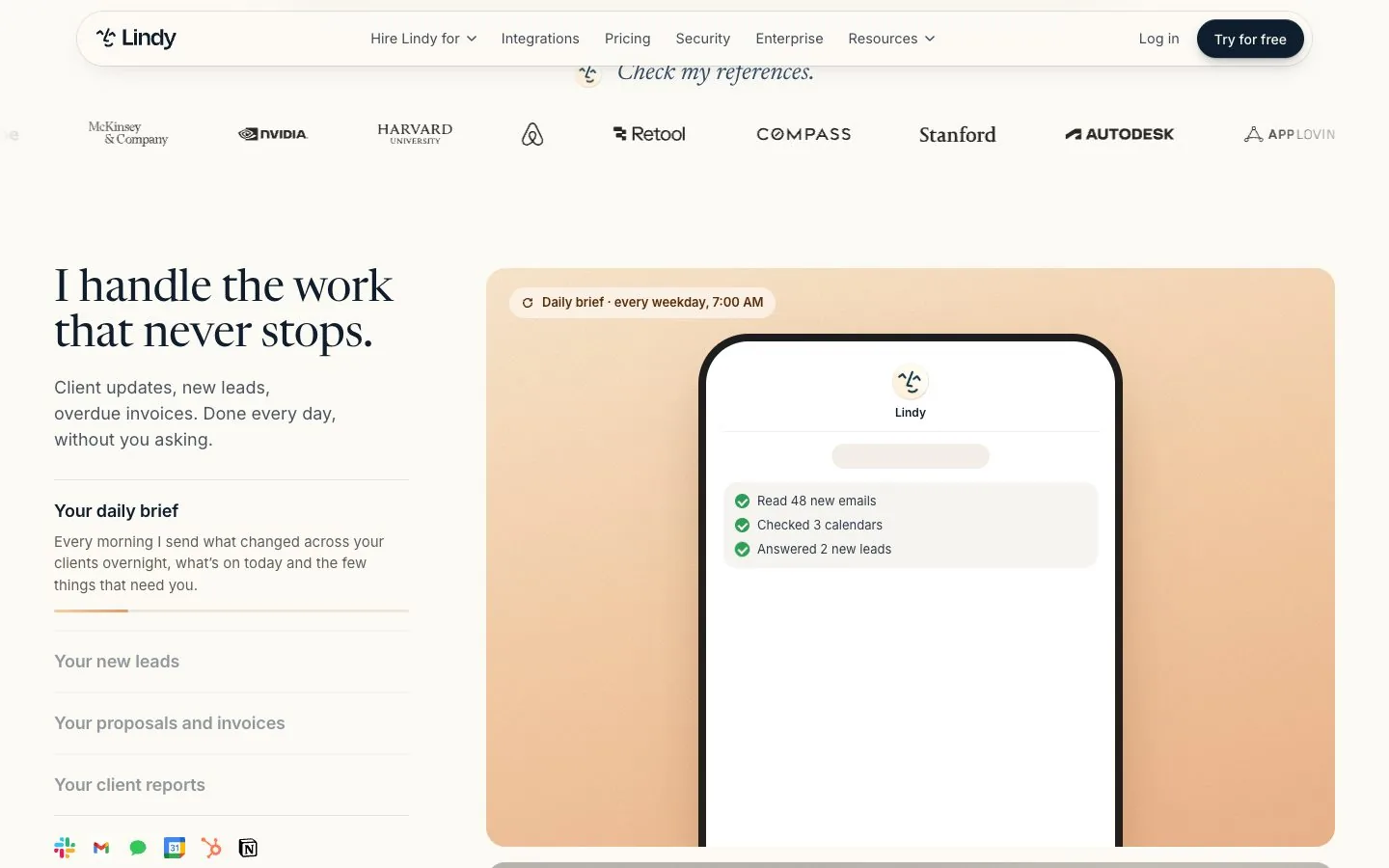
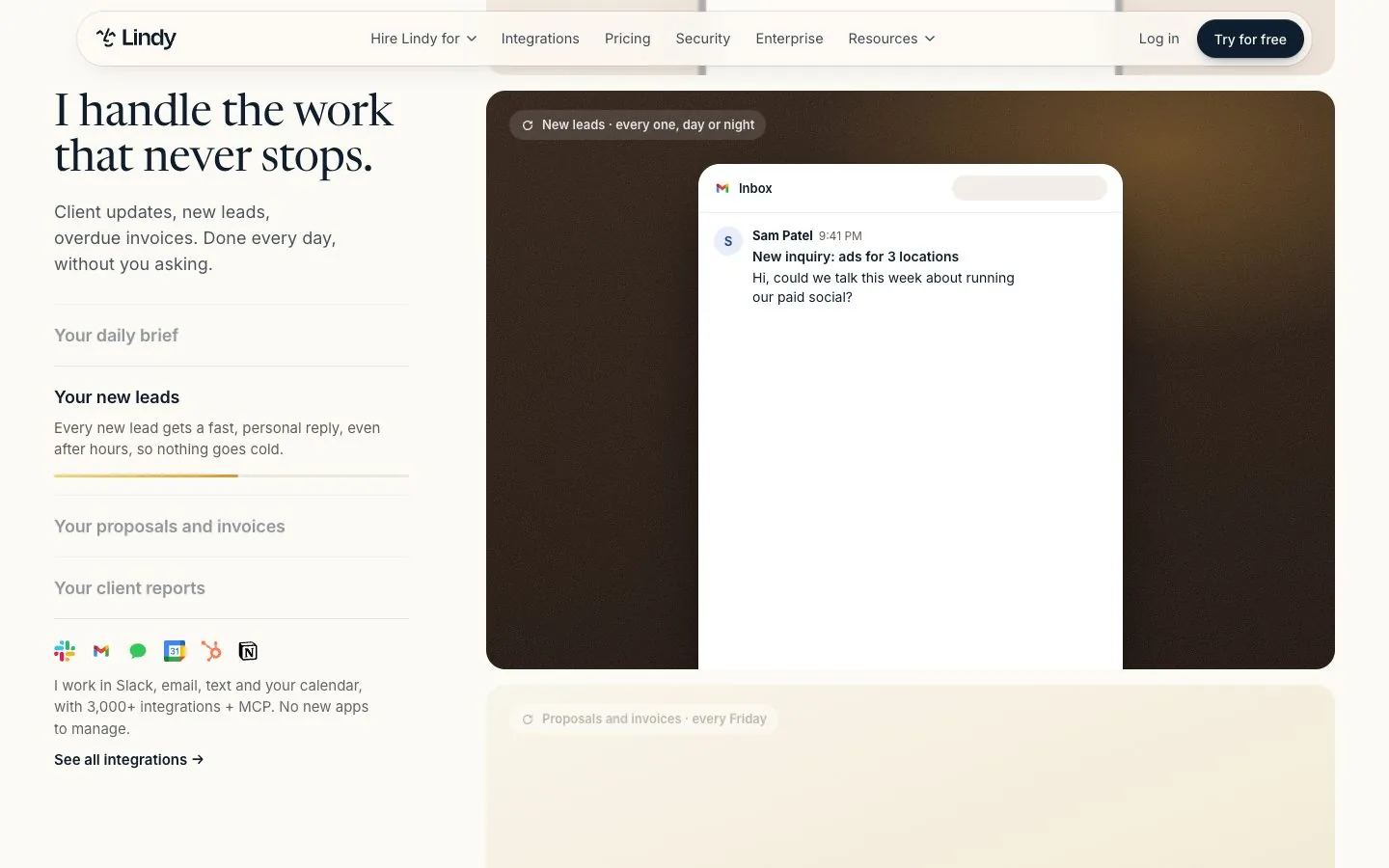
Lindy is an AI assistant for work. The homepage speaks in the first person: "I handle the work that never stops", meaning client updates, new leads, overdue invoices, a daily brief at 7 a.m. You connect your email, calendar and tools, and it proposes jobs it can take over. The company says it works with 3,000+ integrations plus MCP.
What you will not find on the current site is the old drag-and-drop agent builder as the headline. Lindy now talks about skills (40+ built in, and you can create your own), scheduled routines and persistent workspace memory. If you came for a blank canvas, adjust your expectations before signing up.
How much does Lindy AI cost?
Read on lindy.ai/pricing on November 15, 2026.
 Lindy plans8.6/10From $29.99/mo · checked November 15, 2026 | Monthly billing | Annual billing, per month | Included | Notes |
|---|---|---|---|---|
| Free | $0 | $0 | $50 in credits | Free credits last 7 days |
| Team | $29.99 | Not listed | 3,000 credits a month per active user | Top up at $10 per 1,000 credits, model choice per task, iMessage |
| Enterprise | On request | On request | Custom credits and billing | HIPAA with signed BAA, SSO and SCIM, audit logs |
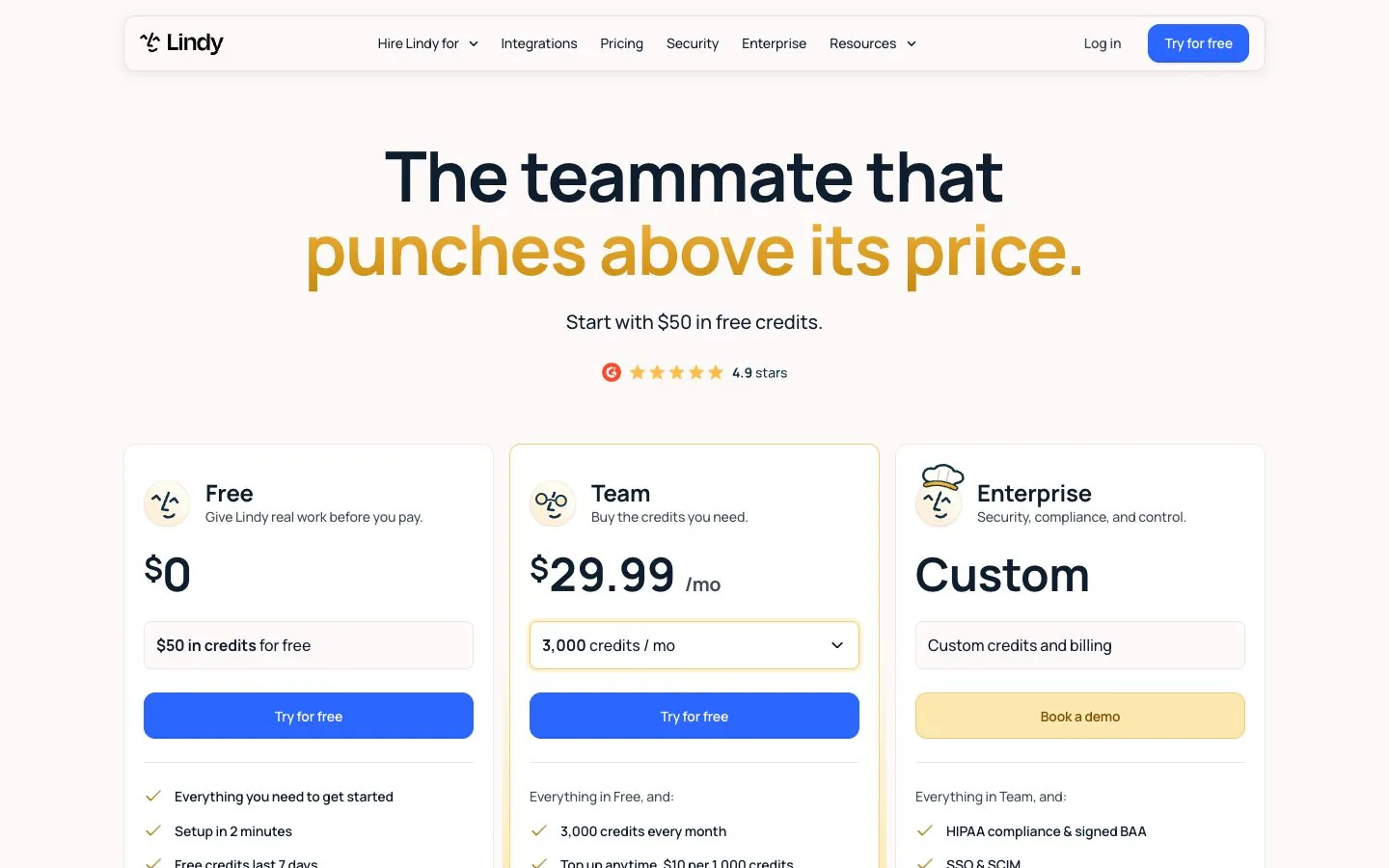
The line that matters sits under the plan cards: "Every active user in your workspace is billed, from $29.99 a month for 3,000 credits each." Anyone who uses Lindy takes a seat, including a colleague who simply mentions it in Slack. Seats pool their credits, and an admin can cap how much each one may draw.
How do Lindy credits work?
Credits measure the work done, and Lindy publishes ranges rather than a price list:
- Everyday asks, 2 to 250 credits: answers, summaries, lookups, closing out a meeting, drafting a reply.
- Deep work, 250 to 1,000 credits: researching a competitor and writing the report, triaging a day of support tickets.
- Big builds, 1,000 to 2,500 credits: dashboards, decks built from your CRM, heavy scheduled workflows.
Do the math on a real week. With 3,000 credits a month, one seat covers three "deep work" jobs at the top of the range, or a great many small asks. Unused credits do not roll over. Top-ups cost $10 per 1,000 credits and stay yours until used.
What does Lindy do well?
It lives where you already work. The included list covers a Slack-native assistant in threads and mentions, inbox management with replies drafted in your voice, meeting recording, notes, scheduling and follow-up, daily briefs, and text messages over iMessage. You can pick the model for each task; Lindy says most major models are available.
It also asks first. In Lindy's words, anything with outside impact "waits for approval", such as sending an email, updating a ticket or publishing a doc, until you decide a job can run end to end.
Video: “Announcing Lindy Teammate”, from the Lindy channel on YouTube.
Is Lindy AI free?
For a week. The Free tier is "$50 in credits for free" and the page states that free credits last 7 days. The FAQ adds a nuance worth reading twice: new teammates who join through Slack get their first week free, while "direct signups are billed right away".
What are the limits of each plan?
- Free: $50 in credits, valid 7 days.
- Team: 3,000 credits per seat each month, top-ups at $10 per 1,000, model choice per task. The feature list mentions 2 to 5 connected inboxes "depending on plan".
- Enterprise: HIPAA with a signed BAA, SSO and SCIM, audit logs, shared usage and bonus credits.
The catch
You cannot know the cost of a job before it runs, only its range, and the ranges are wide. When the pool is empty Lindy pauses credit-using actions until the next cycle. There is no surprise invoice, which is good, but the assistant also stops chasing those invoices on the 22nd. If your jobs sit near the top of those ranges, budget for top-ups on top of the $29.99 a head.
What you get on day one
Setup takes about two minutes by Lindy's count: connect email, calendar and Slack, and it suggests jobs. Included from the start: the skills library, routines, meeting notes, team files with version history and approvals.
Hidden costs to plan for
- Seats you did not plan: every active user is billed.
- Top-up credits at $10 per 1,000 when the pool runs dry.
- Heavier models and bigger jobs sit at the top of the credit ranges.
Questions to ask before you pay
- How many people will really use it? Each one is a seat: ten active users are about $300 a month before any top-up.
- Am I signing up directly or through Slack? Direct signups are billed right away; teammates who join through Slack get their first week free.
- Which three jobs matter most, and what did they cost in credits during the free week?
- Do I need HIPAA or SSO? Those are Enterprise.
- What should happen when credits run out: pause, or top up? Lindy pauses by default; a top-up is $10 per 1,000 credits.
Lindy pros and cons
What we like
- Works in Slack, email, text and calendar
- 3,000+ integrations plus MCP
- Approvals before anything goes out
- No surprise bill: it pauses when credits run out
What to watch
- Every active user is a paid seat
- Credit cost per job is a wide range
- Free credits expire after 7 days
- No longer a canvas-style builder
Lindy alternatives: how it compares
The two tools closest to Lindy in entry price, on the same criteria. Scores come from the same formula for all three.
| Compared | |||
|---|---|---|---|
| Type | No-code | No-code | Low-code, source-available |
| Entry price | From $29.99/mo | From $29.99/mo | From $24/mo |
| Billed in | Credits, per seat | Tasks (and agent activities) | Workflow executions |
| Free plan or trial | Free credits | Free plan | Free self-hosted edition |
| Integrations announced | 3,000+ | 9,000+ | 500+ |
| AI models | Pick the model for each task; Lindy says most major models are available | Zapier provides the models; the AI model tier you pick changes how many tasks a step uses | Connect any model with your own key; Cloud plans also include AI models without API keys |
| Agents or workflows | Agents | Agents and workflows | Agents and workflows |
| Knowledge base / memory | Yes | Yes | Yes |
| Human approval | Yes | Not stated | Yes |
| Self-hosting | No | No | Yes |
| API / MCP | MCP support to connect any tool | Zapier MCP, SDK, webhooks on paid plans | Public API, CLI, webhooks, MCP server trigger |
| Built for | Owners and small agencies who want inbox, meetings and follow-ups handled | Non-technical teams that need an app nobody else connects | Technical founders and ops people who want control and a low bill at volume |
| Official page | Check price at Lindy | Check price at Zapier | Check price at n8n |


- n8n vs Zapier: the side-by-side, with prices checked Nov 15, 2026.
- Make vs Zapier: the side-by-side, with prices checked Nov 15, 2026.
- Best no-code AI agent builders: where Lindy stands among 6 tools.
- Zapier alternatives: 6 tools that cost less per run, or do more
- Open these tools in the comparison tool
Lindy FAQ
How much does Lindy AI cost?
$29.99 a month per active user on the Team plan, with 3,000 credits per seat. Extra credits cost $10 per 1,000. Enterprise pricing is custom. Read on November 15, 2026.
Is Lindy AI free?
Only to try: you get $50 in credits, and they last 7 days. There is no permanent free plan on the pricing page.
What happens when Lindy runs out of credits?
It pauses credit-using actions until credits reset at the next billing cycle, and tells you. Admins can top up or move to more credits at any time.
Can Lindy act without my approval?
Not at first. Lindy states that anything with outside impact, like sending an email, waits for approval; read-only lookups do not. You can let a trusted job run on its own later.
Sources
Everything on this page comes from Lindy's own pages, read on November 15, 2026. Where a page does not state something, we say so.