Our verdict in three lines
Zapier is the safe choice when your problem is "these two apps do not talk to each other" and one of them is obscure. With 9,000+ apps, the connector you need probably exists.
The Free plan gives 100 tasks a month; Professional starts at $29.99 a month billed monthly, $19.99 billed yearly.
You pay per action, AI steps can use more tasks than plain ones, and Zapier Agents are sold as their own add-on with a separate allowance. Simple to start, less simple to forecast.
Good fit if
- Nobody on the team writes code and nobody wants to
- You depend on a niche app that other tools do not connect
- Your workflows are short: a trigger and two or three actions
Look elsewhere if
- Your workflows are long and run thousands of times: per-step billing adds up, see n8n vs Zapier
- You need to self-host
- You want agents and workflows on one bill
- Entry price
- From $29.99/mo
- Billed in
- Tasks (and agent activities)
- Free plan or trial
- Free plan
- Integrations
- 9,000+
- Self-hosting
- No
- Price checked
- Nov 15, 2026
What is Zapier?
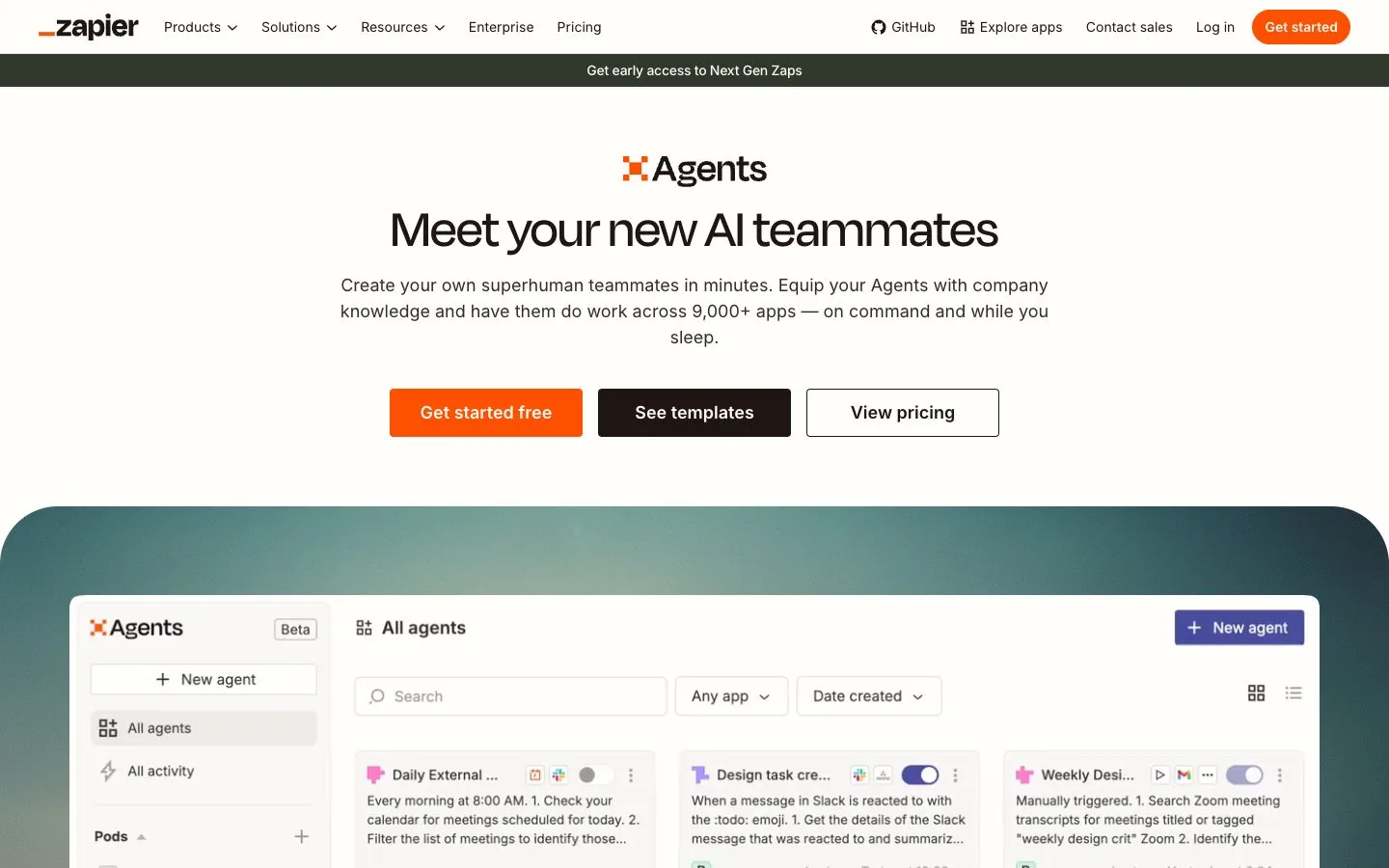
Zapier connects web apps without code. A "Zap" is a workflow: something happens in one app (the trigger) and Zapier does something in others (the actions). The company says it is used by 3.4 million companies and connects 9,000+ apps, and its homepage now pitches "automation in the agentic era": Zaps, Tables, Forms, an MCP server for outside assistants, and Agents.
How much does Zapier cost?
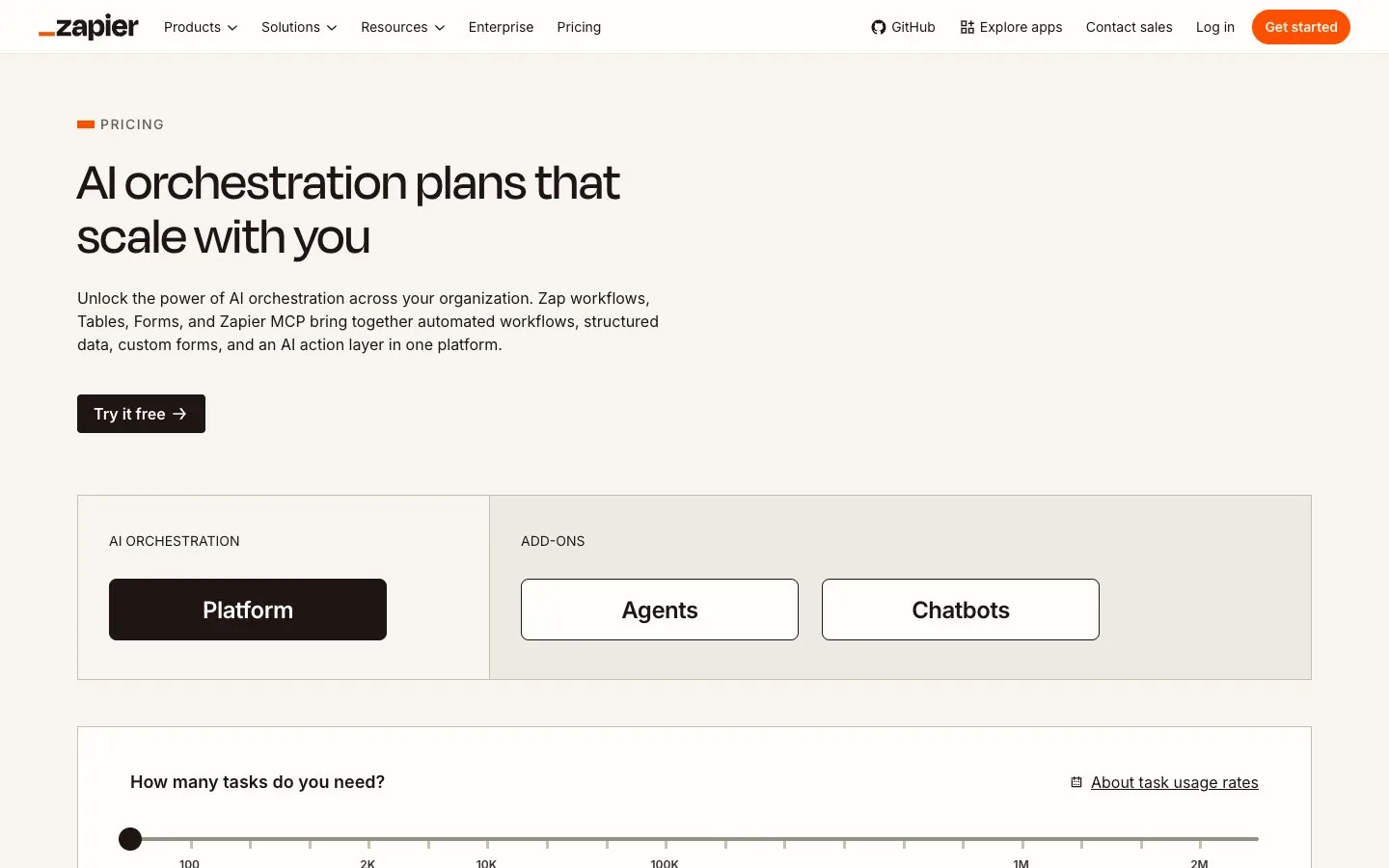
Read on zapier.com/pricing on November 15, 2026. Paid plans show a "starting from" price for the lowest task tier; a slider takes you up to 2 million tasks a month. Yearly billing saves 33%.
 Zapier plans8.9/10From $29.99/mo · checked November 15, 2026 | Monthly billing | Annual billing, per month | Included | Notes |
|---|---|---|---|---|
| Free | $0 | $0 | 100 tasks a month | Two-step Zaps, unlimited Zaps, Tables and Forms, one user |
| Professional | $29.99 | $19.99 | Lowest task tier (you pick a tier from the slider) | Multi-step Zaps, premium apps, webhooks, AI fields, one user |
| Team | $103.50 | $69 | Lowest task tier | 25 users, shared Zaps and connections, SAML SSO |
| Enterprise | On request | On request | Annual task limits | Contact sales |
Zapier Agents live in a separate tab of the same page. Agents Free allows 400 activities a month. Agents Pro is $33.33 a month, billed annually ($400 a year), for 1,500 activities. An activity is "any billable action that your agent takes". So a team using both products watches two meters: tasks and activities.
For the full breakdown, tier by tier, see our Zapier pricing guide.
What is a task, and why does it matter?
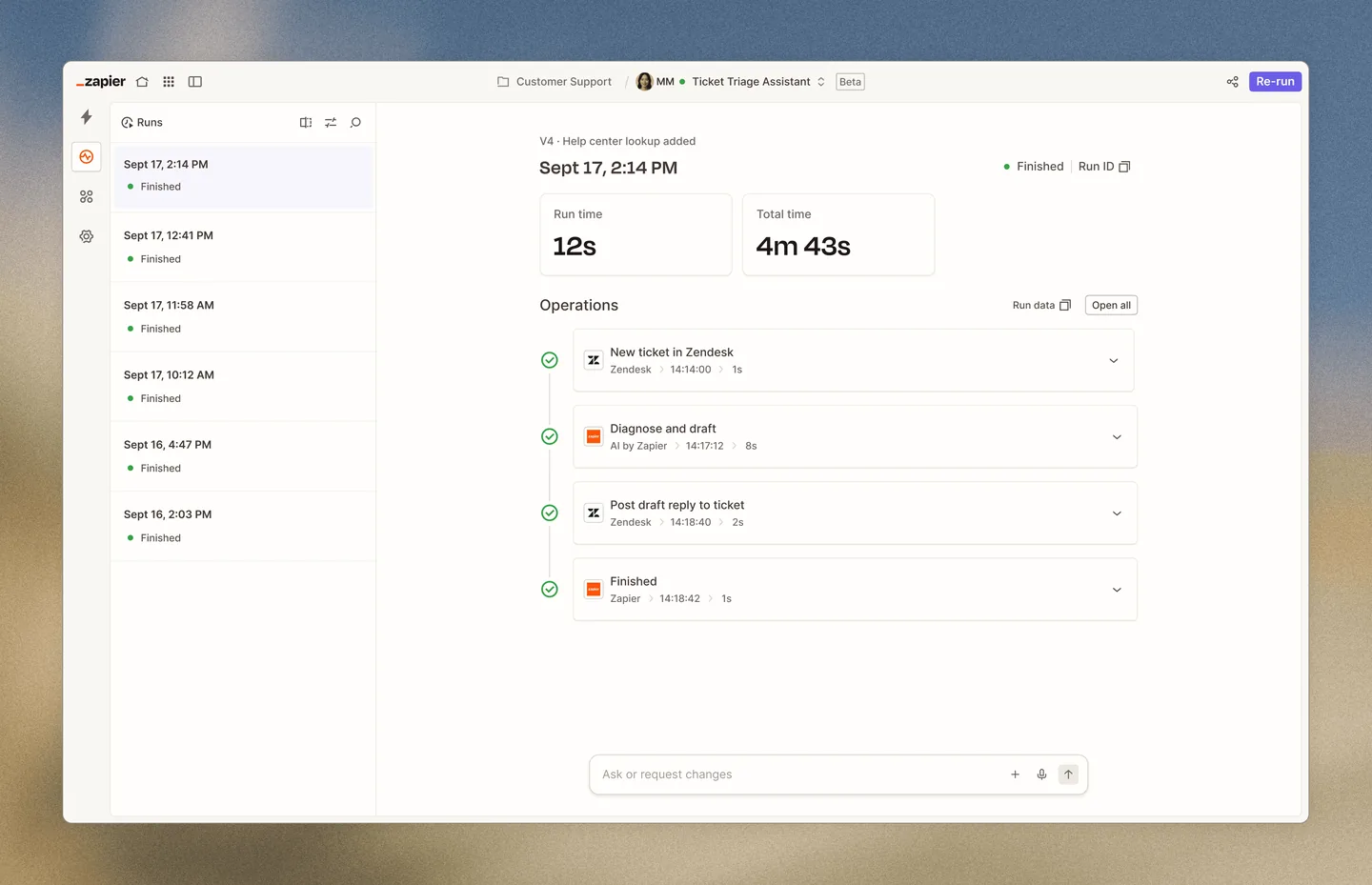
A task is Zapier's unit of work. Its pricing page states that every step in a Zap and every external connector call uses tasks, "though rates may vary": the AI model tier, the code runtime and the connector type each change how many tasks an action uses. All of it draws from one shared pool, including AI steps, code, MCP and the SDK.
The FAQ adds the fine print. A task is counted when a Zap successfully completes an action; checking for new data is free, and so are filters, paths, the formatter, delays and loops. Here is what that means on a Tuesday: a Zap with a trigger and 4 actions that runs 1,000 times a month uses about 4,000 tasks, where a per-run tool would count 1,000 runs. On short Zaps the difference is noise. On a 15-action workflow it is your whole budget.
What do Zapier Agents do?
Zapier Agents are assistants you describe in plain language. You give one a job, company knowledge and access to chosen apps, and it works on command or on a schedule. The feature list on the pricing page mentions live data sources, web browsing and a Chrome extension. Zapier's own FAQ is refreshingly honest about the limits: the same prompt will not always give the same result, "that's because of non-determinism".
Agents only act in the apps you connect and with the actions you set up. We did not find an approval step described on the pages we read, so plan your own guardrails (for example, let the agent draft and a Zap send after a human click).
Video: “Stop chatting with your AI: Start putting it to work”, from the Zapier channel on YouTube.
Does Zapier have a free plan?
Yes, and it is permanent: 100 tasks a month with two-step Zaps, plus unlimited Zaps, Tables and Forms. Every new account also gets a 14-day trial of Professional without a credit card. One hundred tasks disappear fast (that is three tasks a day), but it is a fair way to test a connector.
What are the limits of each plan?
- Free: 100 tasks a month, two-step Zaps only, one user.
- Professional: multi-step Zaps, premium apps, webhooks, AI fields, email and live chat support; still one user.
- Team: 25 users, shared Zaps, folders and app connections, SAML SSO, priority support.
- Enterprise: unlimited users, annual task limits, advanced admin controls.
The catch
Overage. When you reach your tier, Zapier moves you to pay-per-task billing "at a higher per-task rate" unless you turn that off, in which case your Zaps pause until the next period. Neither outcome is fun to discover on the 24th of the month. Set the task alerts on day one, and re-read the task usage rates before you add AI steps to a busy Zap.
What you get on day one
The visual editor, Zapier Copilot (which Zapier describes as a personalized automation assistant), Tables for storing data, Forms, Canvas for mapping a process, and access to the app directory. Paid plans add version control for Zaps and custom error notifications.
Hidden costs to plan for
- Actions: every extra action multiplies task use on every run.
- AI steps: higher model tiers use more tasks.
- Agents Pro, if 400 activities a month is not enough.
- The jump to Team ($103.50 a month billed monthly) the day a second person needs shared connections.
Questions to ask before you pay
- How many actions does my busiest Zap have, and how often does it run?
- Which of my apps are "premium" apps?
- Do I want pay-per-task on, or would I rather have Zaps pause?
- Do I need Agents at all, or would an AI step inside a Zap do?
Zapier pros and cons
What we like
- 9,000+ apps
- Permanent free plan and a 14-day trial without a card
- No code at any point
- MCP server and SDK for outside assistants
What to watch
- Per-action billing gets expensive on long workflows
- Agents are a separate add-on with their own meter
- No self-hosting
- Pay-per-task overage at a higher rate
Zapier alternatives: how it compares
The two tools closest to Zapier in entry price, on the same criteria. Scores come from the same formula for all three.
| Compared | |||
|---|---|---|---|
| Type | No-code | No-code | Low-code, source-available |
| Entry price | From $29.99/mo | From $29.99/mo | From $24/mo |
| Billed in | Tasks (and agent activities) | Credits, per seat | Workflow executions |
| Free plan or trial | Free plan | Free credits | Free self-hosted edition |
| Integrations announced | 9,000+ | 3,000+ | 500+ |
| AI models | Zapier provides the models; the AI model tier you pick changes how many tasks a step uses | Pick the model for each task; Lindy says most major models are available | Connect any model with your own key; Cloud plans also include AI models without API keys |
| Agents or workflows | Agents and workflows | Agents | Agents and workflows |
| Knowledge base / memory | Yes | Yes | Yes |
| Human approval | Not stated | Yes | Yes |
| Self-hosting | No | No | Yes |
| API / MCP | Zapier MCP, SDK, webhooks on paid plans | MCP support to connect any tool | Public API, CLI, webhooks, MCP server trigger |
| Built for | Non-technical teams that need an app nobody else connects | Owners and small agencies who want inbox, meetings and follow-ups handled | Technical founders and ops people who want control and a low bill at volume |
| Official page | Check price at Zapier | Check price at Lindy | Check price at n8n |


- n8n vs Zapier: the side-by-side, with prices checked Nov 15, 2026.
- Make vs Zapier: the side-by-side, with prices checked Nov 15, 2026.
- Best no-code AI agent builders: where Zapier stands among 6 tools.
- Zapier pricing: plans, tasks and what you will really pay
- Open these tools in the comparison tool
Zapier FAQ
Is Zapier free?
There is a free forever plan with 100 tasks a month and two-step Zaps. Multi-step Zaps, webhooks and premium apps need Professional, from $29.99 a month billed monthly.
Are Zapier Agents included in my Zapier plan?
Agents have their own plans: Agents Free with 400 activities a month, and Agents Pro at $33.33 a month billed annually with 1,500 activities. They are listed in a separate tab of the pricing page.
What happens when I run out of tasks?
Zapier emails you, then either switches you to pay-per-task billing at a higher rate or, if you turned that off, pauses your Zaps until the next usage period.
Zapier or n8n?
Zapier if you want no code and the widest app catalog; n8n if your workflows are long and frequent and someone technical is around. The side-by-side is in n8n vs Zapier.
Sources
Everything on this page comes from Zapier's own pages, read on November 15, 2026. Where a page does not state something, we say so.