· Guide
How to build an AI agent: 8 steps from idea to a working agent
You do not need to code, and you do not need a framework. You need one well-chosen job, clear instructions and a builder that fits your skills.
Short answer: to build an AI agent, (1) pick one narrow job, (2) write its instructions like a brief for a new hire, (3) choose a builder that matches your skills, (4) connect only the tools the job needs, (5) give it the documents it must know, (6) require human approval for anything that leaves the building, (7) test on real past cases, (8) set a spending cap and launch small. Most no-code builders have a free plan or trial, so a first agent can cost nothing.
What is an AI agent, in plain terms?
An AI agent is a language model that can take actions. A chatbot answers. An agent reads the email, looks up the order, drafts the refund and, if you allow it, sends it. Three things make it an agent: a goal, tools it can call (your apps), and some freedom to decide which tool to use next.
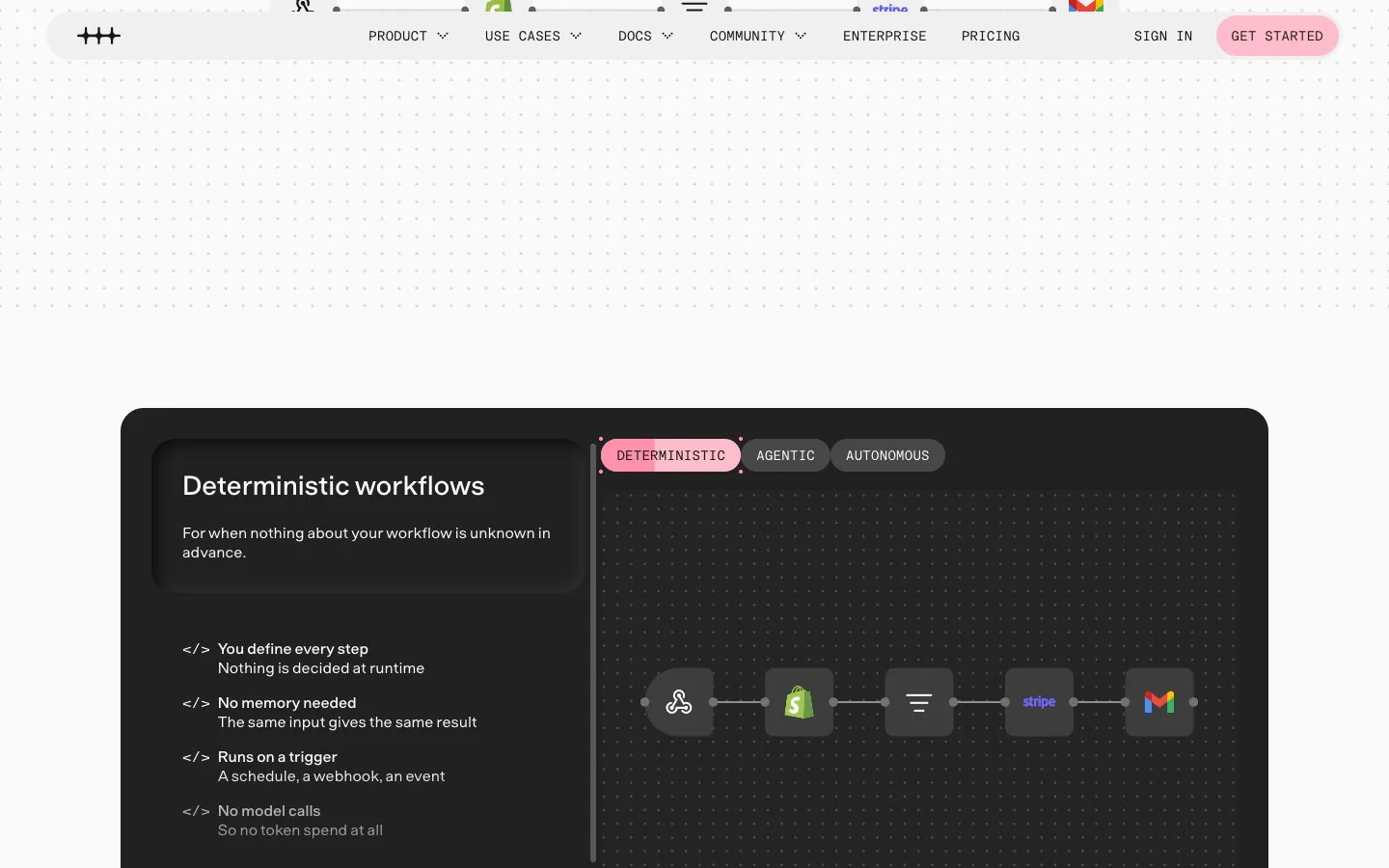
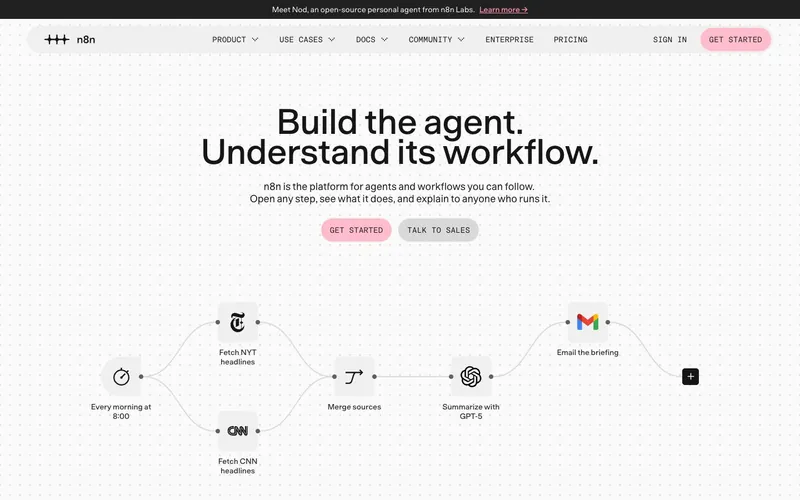
That freedom is also the risk. n8n describes the choice as a dial on its agents page: "The less of the process you can define, the more agent you need." If every step is known in advance, a plain workflow is cheaper and more predictable. Use an agent for the part that needs judgment, and nothing else.
Step 1: pick one job, and make it small
The first agent that works is always a narrow one. Good candidates share three traits: the job happens often, the inputs are text, and a mistake is cheap to catch. Examples that fit: sorting incoming support emails, preparing a brief before each sales call, answering "where is my order" from your order system, chasing unpaid invoices with a draft the owner approves.
Bad first jobs: anything that moves money without review, anything with legal weight, and anything nobody on the team can describe step by step. If you cannot explain how a person does it, an agent will not guess.
Step 2: write the instructions like a brief for a new hire
Instructions (the "system prompt") decide most of the quality. Write them the way you would brief a capable temp on their first morning:
- The role and the goal: who the agent is working for and what a good outcome looks like.
- The steps, where you know them: "look up the customer first, then the order".
- The rules: what it must never do, when to stop and ask.
- The format: length, tone, and an example of a good answer.
Zapier's own guidance for its Agents says much the same: include helpful information upfront, give examples, define the expected format and length, and give the agent a role. It also warns that you will not get identical output every time, "because of non-determinism". Plan for that; do not fight it.
Step 3: choose a builder that matches your skills
There are three families, and picking the wrong one is the most common way to waste a week.
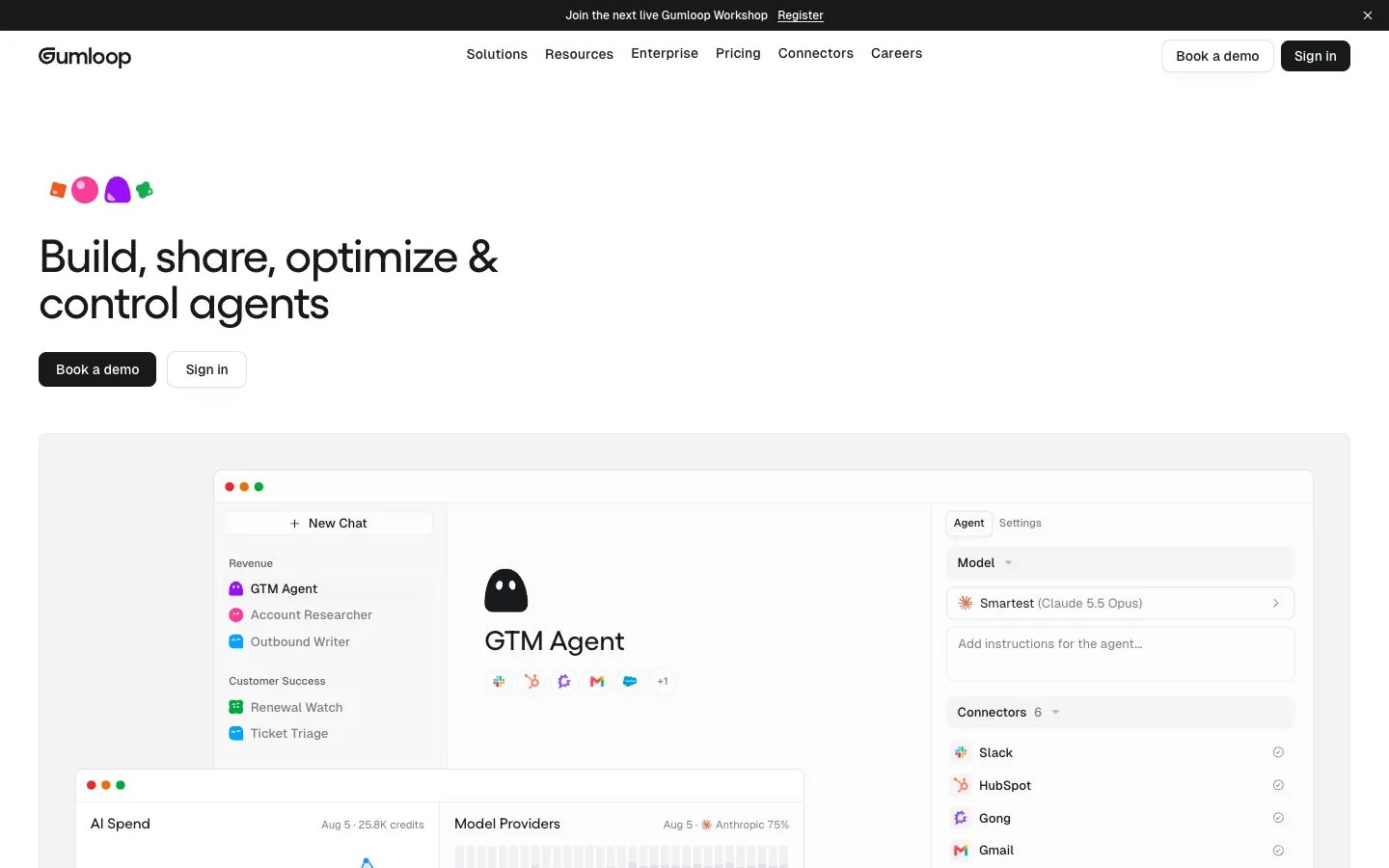
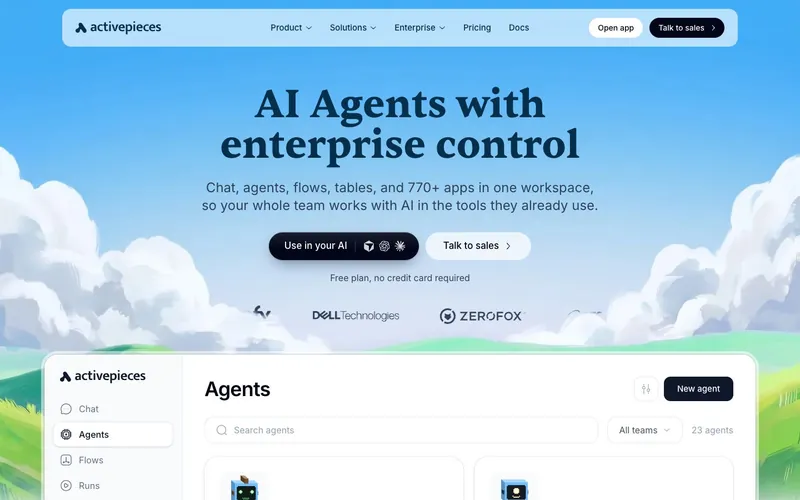
- No-code builders (Make, Zapier, Activepieces, Gumloop, Lindy): you click, describe and connect. Right for most small teams. See the no-code AI agent builders ranking.
- Low-code builders (n8n, Dify, Copilot Studio, Voiceflow, Botpress): visual, with expressions, variables and sometimes code. Right when one person is technical.
- Developer tools and frameworks (Langflow and code frameworks): full control, and you run everything yourself. Right when you have engineers.
Budget matters as much as skill. Entry prices on the tools we compare run from $0 to $200 a month, and each meters something different. A quick way to narrow the field is our 3-question picker: skill level, the job to automate, monthly budget.
| Tool | Score | Entry price | Billed in | Free plan or trial | Integrations | Self-hosting | Official page |
|---|---|---|---|---|---|---|---|
 ActivepiecesFrom $20/mo · checked Nov 15, 2026 | 9.4/10 | From $20/mo | Credits (one per run) | Free plan | 770+ | Yes, limited | Check price at Activepieces |
 MakeFrom $16/mo · checked Nov 15, 2026 | 9.1/10 | From $16/mo | Credits | Free plan | 3,500+ | No | Check price at Make |
 ZapierFrom $29.99/mo · checked Nov 15, 2026 | 8.9/10 | From $29.99/mo | Tasks (and agent activities) | Free plan | 9,000+ | No | Check price at Zapier |
 n8nFrom $24/mo · checked Nov 15, 2026 | 9.5/10 | From $24/mo | Workflow executions | Free self-hosted edition | 500+ | Yes | Check price at n8n |
 GumloopFrom $37/mo · checked Nov 15, 2026 | 8.5/10 | From $37/mo | Credits | Free trial | 400+ | No | Check price at Gumloop |
Step 4: connect only the tools the job needs
An agent with access to everything is an agent that will eventually do something surprising. Connect the two or three apps the job requires, with the narrowest permissions you can: read-only where possible, a single mailbox instead of the whole workspace.
Check the connector exists before you commit to a builder. Catalog sizes differ by an order of magnitude: Zapier lists 9,000+ apps, Make 3,500+, Lindy 3,000+, Activepieces 770+, n8n 500+ native integrations plus any API over HTTP. Many builders now also speak MCP, a standard way to plug tools into an agent.
Step 5: give it what it needs to know
A model knows nothing about your prices, your policies or your customers. Most builders let you attach knowledge: documents, a help center, a table. Start with the ten documents a new employee would be handed, not the whole drive. Out-of-date documents produce confident wrong answers, so name an owner for that folder.
Memory is a separate question. Some agents remember earlier conversations or keep a persistent workspace context (Lindy advertises this; n8n agent templates use a memory node). Decide what should be remembered, and for how long.
Step 6: add a human approval step
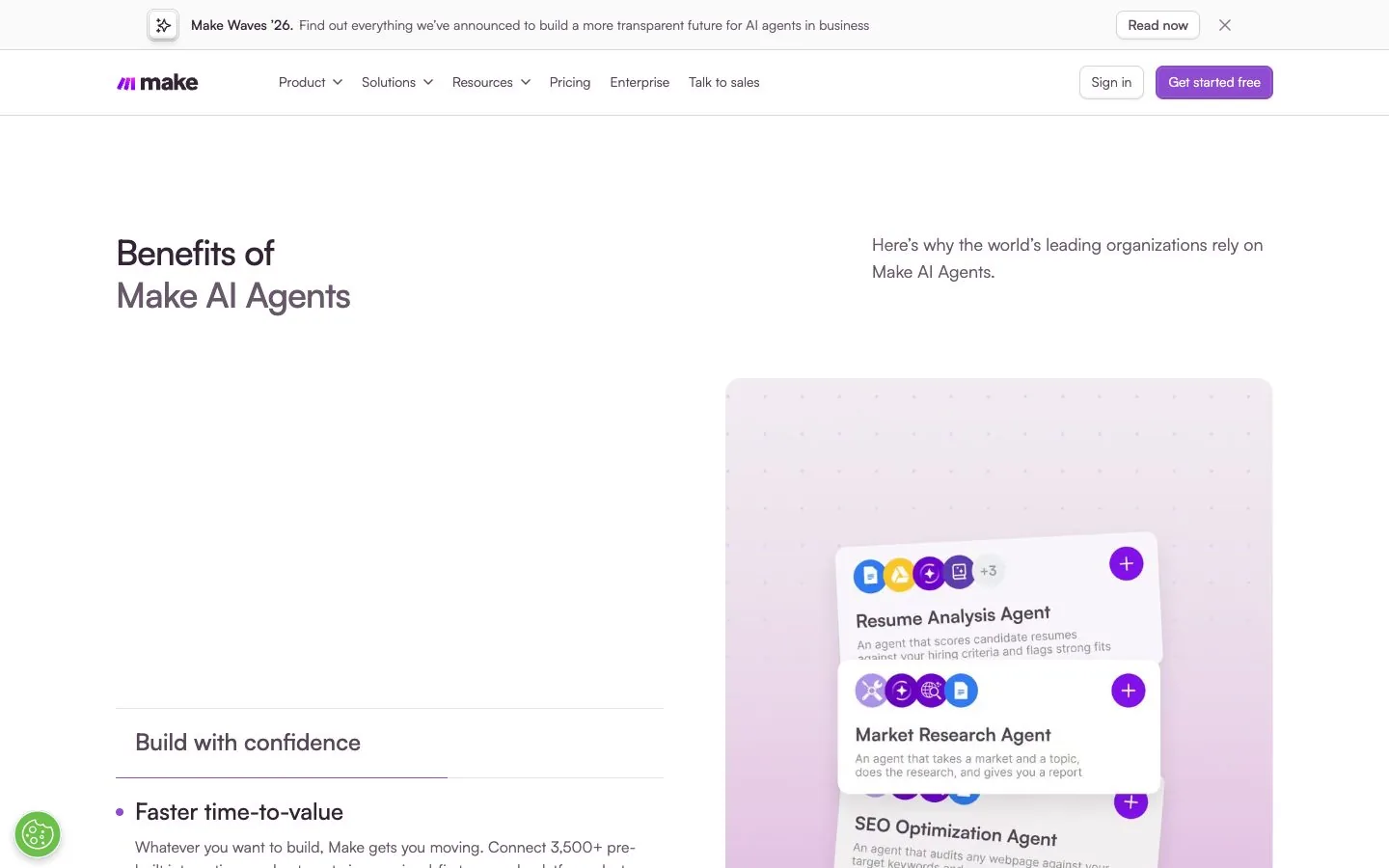
For the first weeks, the agent drafts and a person approves. Nearly every builder supports this in some form: n8n lists human approval for tool calls on every Cloud plan, Make says you can add manual approvals or stop the agent at specific points, Lindy holds anything "with outside impact" until you approve, and Activepieces lets you gate "the steps that touch money, customers, or production".
Approval is not a sign the agent is weak. It is how you collect the corrections that make the instructions better. Remove it job by job, once a month of approvals has gone by without edits.
Step 7: test on real past cases
Take twenty real examples from last month: emails, tickets, leads. Run the agent on them and compare with what your team actually did. You are looking for three things: wrong actions, missing information, and tone. Fix the instructions, not the individual answers, then run the same twenty again.
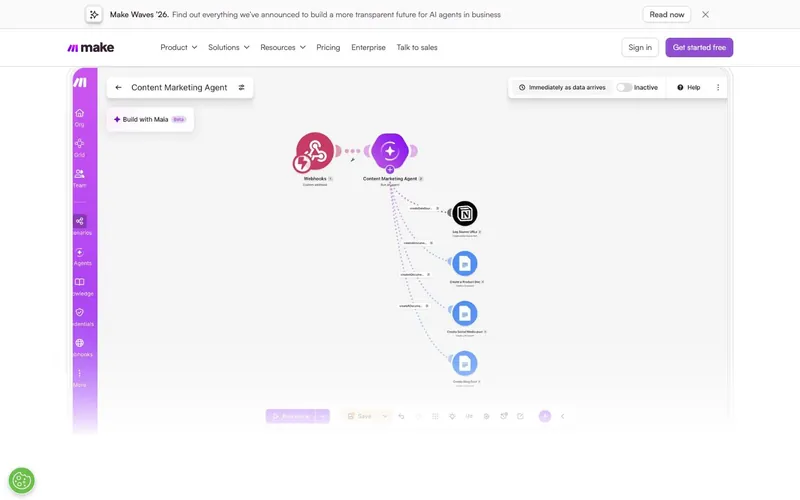
Use the tooling your builder offers. Several show every decision the agent made (Make has a reasoning panel; n8n lets you open any step and replay a run), and some support formal evaluations. An agent you cannot inspect is an agent you cannot fix.
Video: “How to Move AI Agents from Prototype to Production”, from the n8n channel on YouTube.
Step 8: cap the cost, then launch small
Agents are metered, and the unit differs by vendor: executions on n8n, tasks and activities on Zapier, credits on Make, Gumloop and Lindy, Copilot Credits at Microsoft, conversations on Botpress. Before launch, find three settings in your tool: the usage alert, the behavior at the limit (pause or pay more), and the cap.
Some defaults are safe: Gumloop's overage is off until you enable it, and Lindy pauses when credits run out. Some are not: Botpress adds conversation packs automatically on paid plans. Know which kind you bought.
Then launch to one inbox, one team or 10% of requests. Read the first fifty results yourself. Widen only when a week passes without a surprise.
How much does it cost to build an AI agent?
For a first agent on a no-code builder, often nothing: Make, Activepieces, Zapier and Botpress have free plans, and n8n and Gumloop have free trials. A small production agent typically sits on an entry plan, between $16 and $37 a month on the tools we compare, plus model usage where it is billed separately. Our ranking of AI agent builders lists the entry price and billing unit of each tool, read on the vendors' pricing pages.
Common mistakes to avoid
- Starting with a big, vague job ("handle support") instead of one narrow one.
- Giving the agent every connector on day one.
- Skipping the approval step to save time.
- Choosing a developer framework when a no-code tool would do, or the reverse.
- Forgetting to set a spending cap.
For tool-by-tool detail, start with the n8n review, the Make review and the Zapier review.
Our 3 picks from this guide
Frequently asked questions
Can I build an AI agent without coding?
Yes. No-code builders such as Make, Zapier, Activepieces, Gumloop and Lindy let you describe the job, connect your apps and set approvals without writing code.
How long does it take to build an AI agent?
A first narrow agent can be assembled in an afternoon on a no-code builder. Getting it reliable takes longer: plan a few weeks of testing on real cases with human approval before you let it act alone.
What is the difference between an AI agent and a workflow?
A workflow follows steps you defined in advance and gives the same result for the same input. An agent decides which step or tool to use next. Many tools let you combine the two, with an agent inside a workflow.
Which AI agent builder is best for beginners?
One that needs no code and has a free plan. The current order is in our no-code ranking.
How much does an AI agent cost to run?
It depends on the builder's unit (runs, tasks, credits or conversations) and on model usage. Entry plans on the tools we compare range from free to $200 a month.